
How to Use Restorative Exercise for Lasting Pain Relief
Mar 20, 2026


Long hours at a desk often leave your back, neck, and shoulders feeling stiff or sore. Choosing ergonomic tools and making simple adjustments to your workspace can help relieve discomfort and improve your daily routine. By creating a supportive environment, you may notice increased comfort, better concentration, and more energy throughout the day. This guide explores some of the best products available and offers easy-to-follow advice you can use whether you work from an office or from home.
A chair with solid lumbar support prevents slouching and spinal fatigue. Look for adjustable height, tilt tension, and armrests. Many models balance firmness with padding to keep you comfortable throughout the day.
When testing a chair, sit for at least 10 minutes. Adjust lumbar support so you feel a gentle push into your lower back. Use cushions only if the built-in support falls short.
Mixing sitting and standing improves circulation and reduces muscle stiffness. Electric and manual models both offer solid benefits. Choose based on budget, convenience, and how often you switch positions.
Set reminders to change your position every 30 minutes. Raise the desk to elbow height when you stand. Keep wrists straight and shoulders relaxed.
Wearables can gently nudge you back into alignment when you lean forward or slouch. These gadgets track shoulder angle and send vibration alerts. They serve as live coaching during work hours.
The *Lumo Lift* sticks to your shirt and vibrates when you hunch over. It pairs with a mobile app to chart your progress. Battery lasts up to five days. Its mild buzz feels gentle, not startling.
The *Upright Go 2* attaches to your spine and prompts you with vibration. You meet daily posture goals set in the companion app. Over weeks, users report less back tension and reliance on reminders.
Wrist strain and neck pain often result from poor hand and eye positions. Adjust your peripherals to relieve tension. Small tweaks go a long way.
Place the mouse close to the keyboard to avoid overreaching. Angle your keyboard slightly downward so your wrists rest comfortably. Aim the top of your monitor just below eye height.
Moving regularly prevents stiffness and keeps energy levels steady. Short routines focus on stretching tight areas and engaging core muscles. Most exercises take less than two minutes.
The *TimeOut* app prompts you to rest your eyes and stand up on a schedule you set. *Workrave* shows micro-break exercises on screen. These reminders help build healthy habits without disrupting workflow.
Begin by making one change at a time. Swap your chair, then test a standing desk converter. Gradual adjustments prevent overwhelm and help you evaluate what works best.
Maintain a neutral spine: keep ears over shoulders and shoulders over hips. Tight hips often cause lower back strain, so stretch hip flexors daily. Adjust every tool’s height and angle until you feel natural alignment.
Choose ergonomic gear and simple exercises to improve your work routine. Start small today for lasting comfort and better focus.
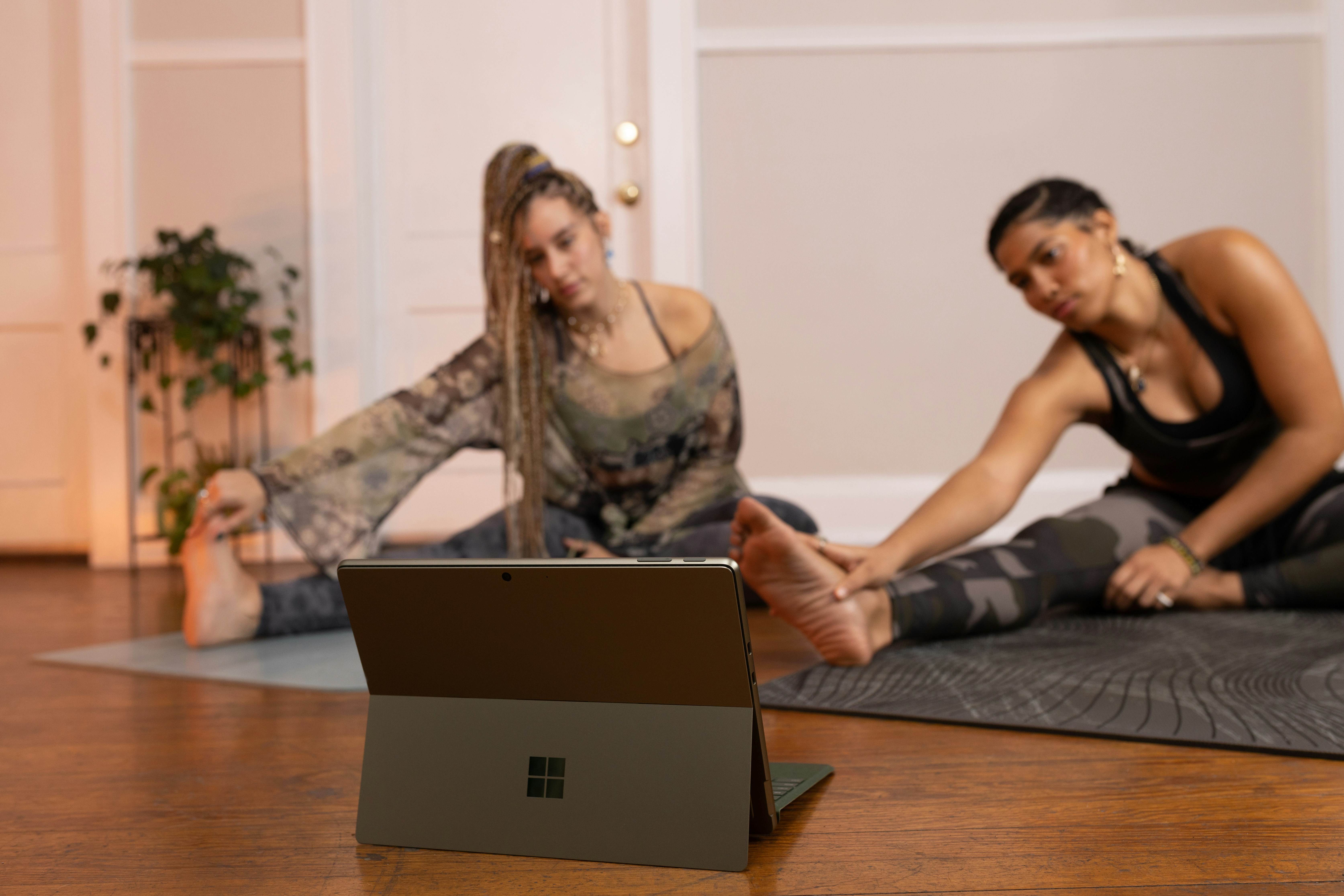
Many people wake up searching for motivation and clarity to start their day with purpose. Joining a structured online challenge can provide the support you need to build...
May 12, 2026
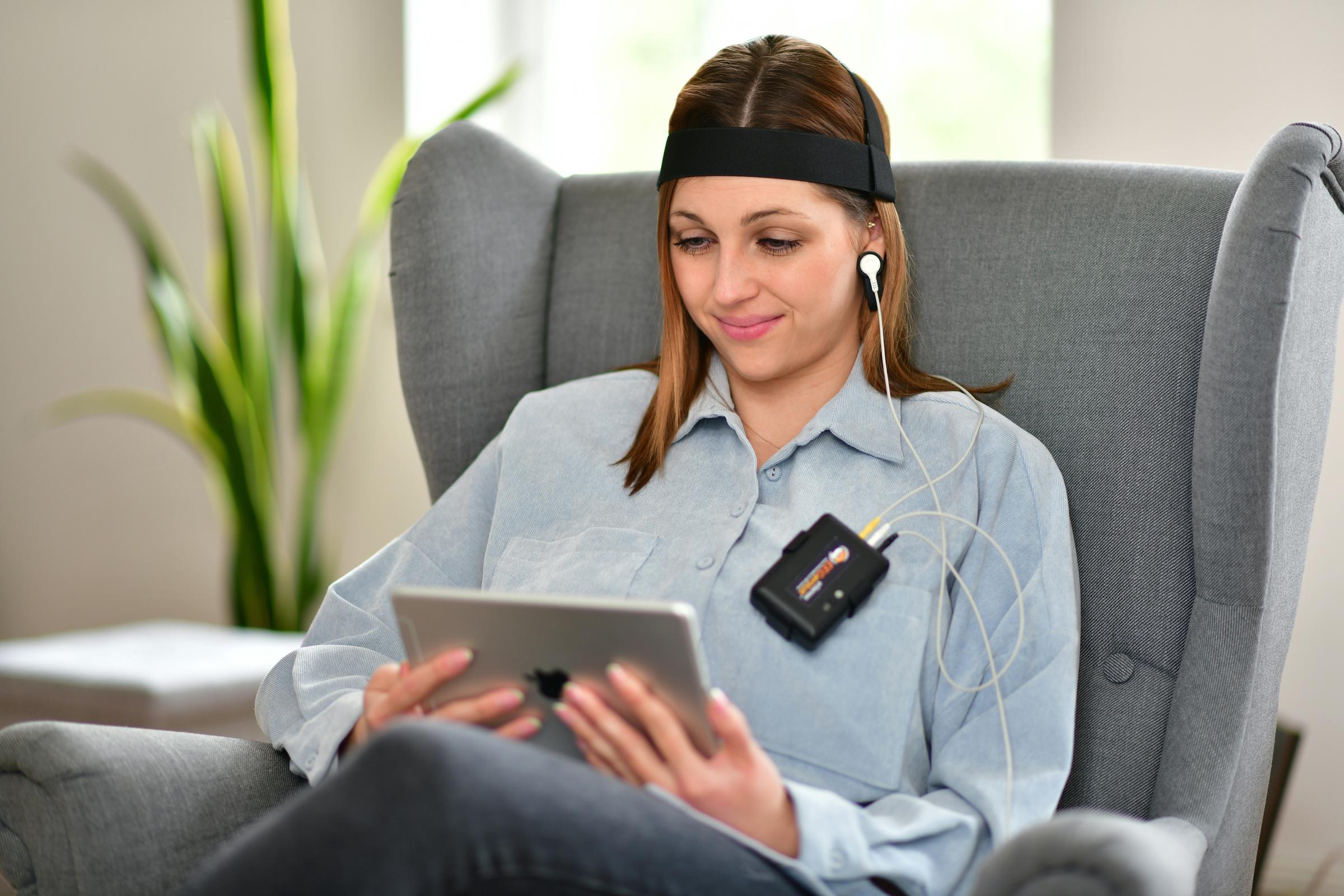
Daily challenges often lead to unexpected stress, leaving you feeling depleted and unfocused. With biofeedback devices, you gain insight into your body’s real-time...
May 07, 2026

Open and honest conversations lay the groundwork for meaningful relationships. When we truly listen and speak from the heart, we create space for growth, trust, and...
Jul 10, 2026

Modern telehealth platforms simplify the process of managing long-term health conditions by bringing medical support directly to your fingertips. Through secure virtual...
Apr 15, 2026
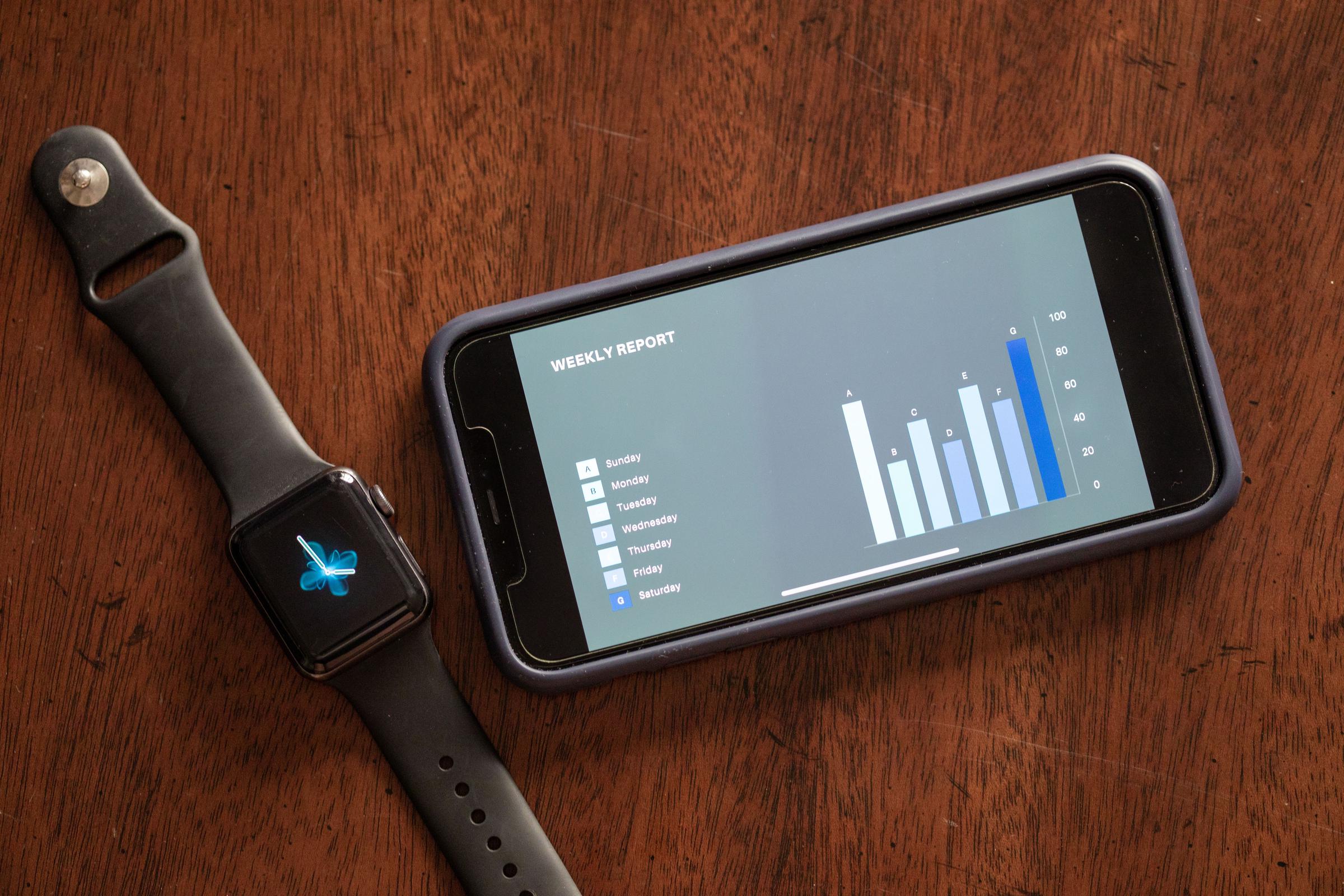
Building consistent routines becomes much easier with the support of habit tracking apps. These tools allow you to select a goal, record your actions each day, and...
Jun 24, 2026

Every day brings new challenges, whether you are balancing work projects, caring for loved ones, or pursuing your own ambitions. Surprises often appear when you least...
Jul 05, 2026

Understanding how emotions shape everyday decisions lays a strong foundation for emotional insight. Interactive workshops encourage people to pay attention to the...
Mar 27, 2026
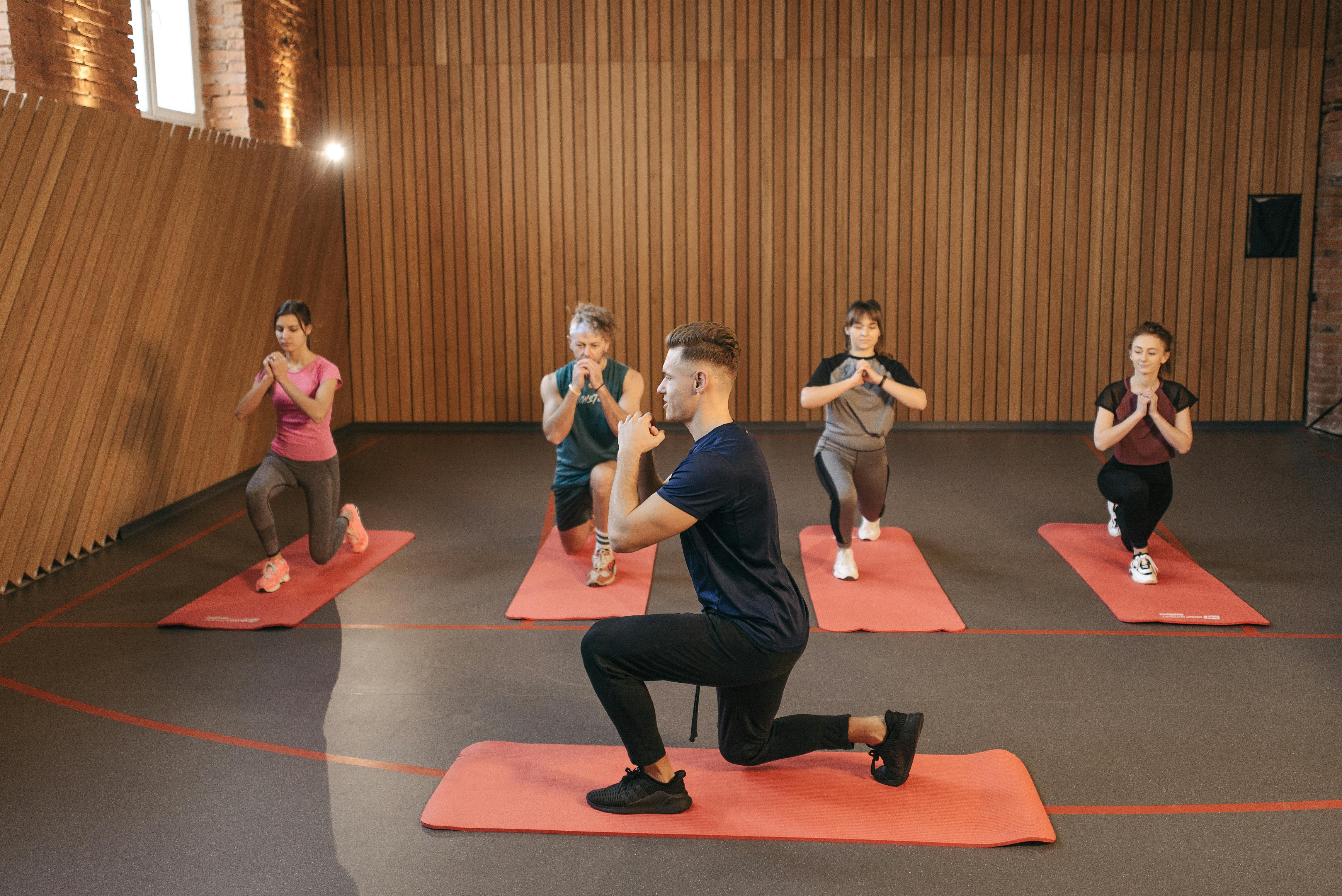
Each morning brings the chance to look forward to an energizing workout. You reach for your shoes and make your way to a vibrant class where friendly faces welcome you...
Apr 18, 2026

Setting up a dedicated area for studying helps you draw a clear line between your academic work and everyday responsibilities. By choosing specific times and places for...
Apr 29, 2026

Fresh fruits, vegetables, and wholesome proteins lay the foundation for healthy aging. Choosing these foods and staying well-hydrated support your body’s ability to...
Mar 17, 2026

Persistent pain disrupts routines and often leaves people feeling exhausted and discouraged. Even minor adjustments in pain management can create noticeable positive...
Apr 22, 2026

Saying “no” can feel uncomfortable, especially when others overlook your boundaries. You might find yourself agreeing to requests at work or home just to avoid seeming...
Apr 25, 2026

Stepping into a space filled with character and warmth instantly changes the atmosphere, making it both inviting and memorable. Art brings blank walls to life,...
May 23, 2026

Monitoring your sleep reveals important details about the quality of your rest and how it affects your energy each day. Using a device that measures heart rate,...
May 09, 2026